PERSONALISED T-SHIRTS & HOODIES  •  FREE UK DELIVERY OVER £50

INKMYWEAR / FROM IDEA TO ORDER

How It Works

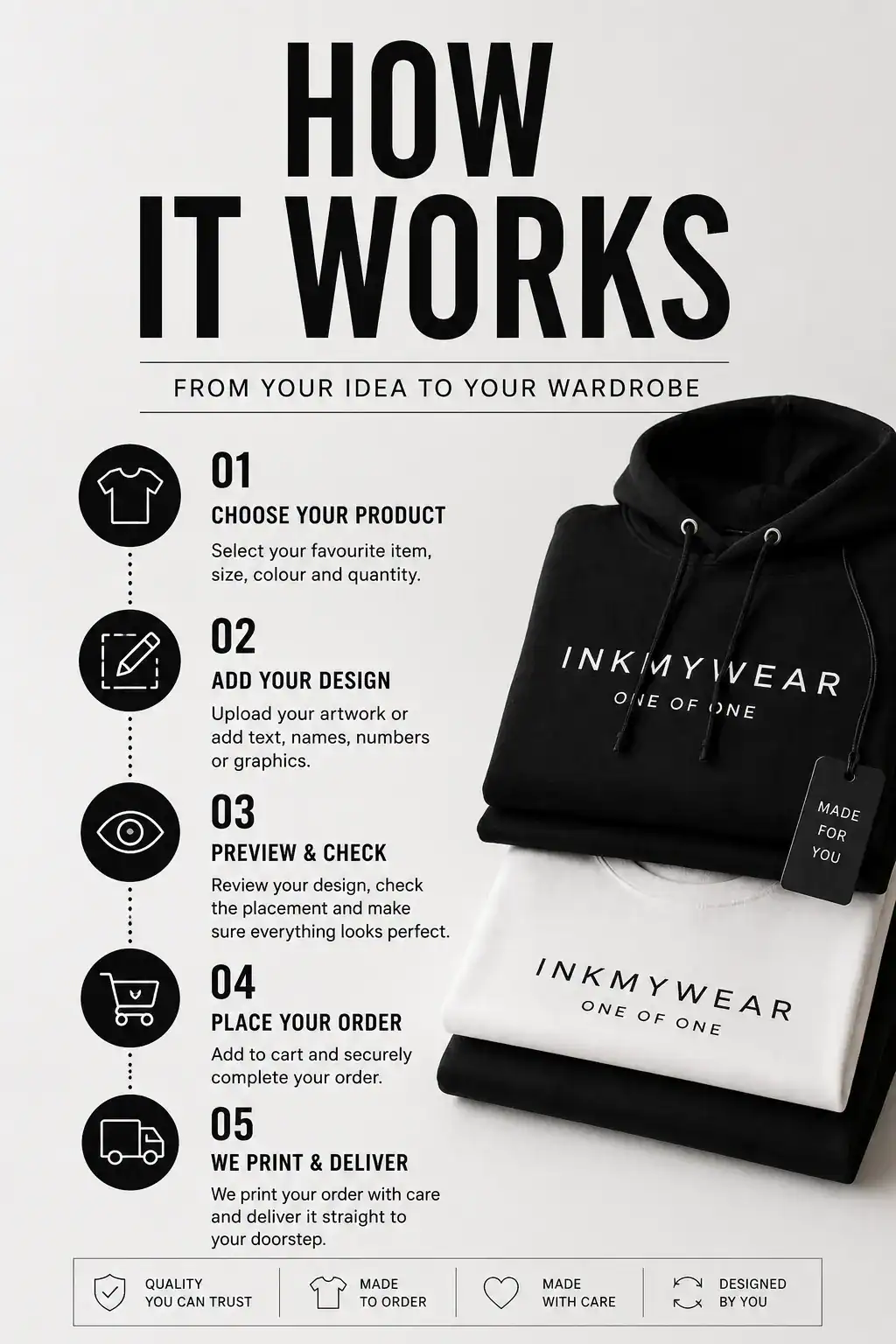
This How It Works guide takes you through the personalised clothing order process, from choosing your garment and adding your design to checking the details, placing the order and receiving your finished personalised piece.
01 Choose your
garment
02 Add your
personalisation
03 Check and
order
How It Works
Your idea / Your clothing INKMYWEAR / 01 → 05
Choose. Create. Check. Order. Wear.

A clear route from your first idea to your finished piece.

Start with a T-shirt or hoodie, add the personal details that matter and review your choices before completing the order.

The personalised clothing process

Five clear steps from choosing to wearing.

Creating custom clothing online does not need to feel complicated. Keep the main decisions clear and review the information that matters before confirming your personalised order.

01
Choose

Select your garment

Start with an available T-shirt or hoodie and select the relevant product options.

02
Create

Add your personalisation

Add supported text, artwork, names, dates or other details available for the selected product.

03
Check

Review the details

Check spelling, garment choices and personalisation before confirming the order.

04
Order

Complete your purchase

Confirm the selected options and complete the available checkout process.

05
Wear

Receive your piece

Your item is prepared according to the confirmed order and delivered using the applicable service.

Choose your starting point

Start with the garment you actually want to wear.

Create a personalised T-shirt or custom hoodie around your own words, artwork and meaningful details using the options available for each product.

01

Design your own T-shirt

Choose an available T-shirt and build your custom design using the supported personalisation options.

Start your T-shirt →
02

Create your personalised hoodie

Select an available hoodie, choose the relevant garment options and add the personal details supported by the product.

Start your hoodie →
Before you confirm

Check the details that make the order yours.

Personalised products are created from the information you submit, so take a moment to review the important details before completing the order.

01

Garment

Make sure you have selected the intended product, size and available colour.

02

Spelling

Review names, dates, words and other submitted text carefully.

03

Artwork

Check the artwork or design details you have provided for personalisation.

04

Preview

Where a preview is available, use it to review the displayed layout before ordering.

After your order is placed

Your confirmed choices move into the next stage.

Personalised orders are prepared using the confirmed product and personalisation details. Once completed and dispatched, delivery follows the service applicable to your order.

Confirmed order → production → dispatch
01

Order details confirmed

The order is based on the options and personalisation you submitted.

02

Your item is prepared

Production follows the confirmed details of the personalised order.

03

Dispatch and delivery

Once dispatched, the order follows the applicable delivery service and schedule.

FOLLOW INKMYWEAR STAY CONNECTED
INKMYWEAR / SOCIAL

Follow. Connect.
Get inspired.

Follow INKMYWEAR across our social channels for personalised clothing ideas, design inspiration, new creations and updates from behind the scenes.

How It Works / FAQ

Common questions before you start creating.

Quick answers about clothing personalisation, previews, changing an order and what happens after checkout.

01 How do I personalise a T-shirt?
Choose an available T-shirt, select the relevant garment options and add the supported text, artwork or personal details available for that product.
02 Can I create a personalised hoodie?
Yes. Select an available hoodie, choose the relevant options and add the personalisation supported by that product.
03 What can I add to my personalised clothing?
Available options may include artwork, names, words, dates and other personal details depending on the selected product and design area.
04 Will I see a preview before ordering?
Where a preview is provided for the selected product, use it to review the displayed layout. The exact preview experience can depend on the product and available personalisation options.
05 Can I change a personalised order after placing it?
Changes may not always be possible once a personalised order moves into production. Contact support as soon as possible so the current order status can be checked.
06 What happens after I place my order?
Your item is prepared according to the confirmed order details. Once completed and dispatched, delivery follows the service applicable to your order.
Your idea is the starting point

Choose your garment. Add your details. Create something that feels like yours.

Ready to start your personalised design?

Scroll to Top