
Order placed
Your purchase and submitted personalisation details have been received.
Use Track Your Order to check the latest available status of your INKMYWEAR purchase with the order number and billing email address used at checkout.
View your personalised clothing order status, understand its current processing stage and check whether dispatch or carrier tracking information is available.
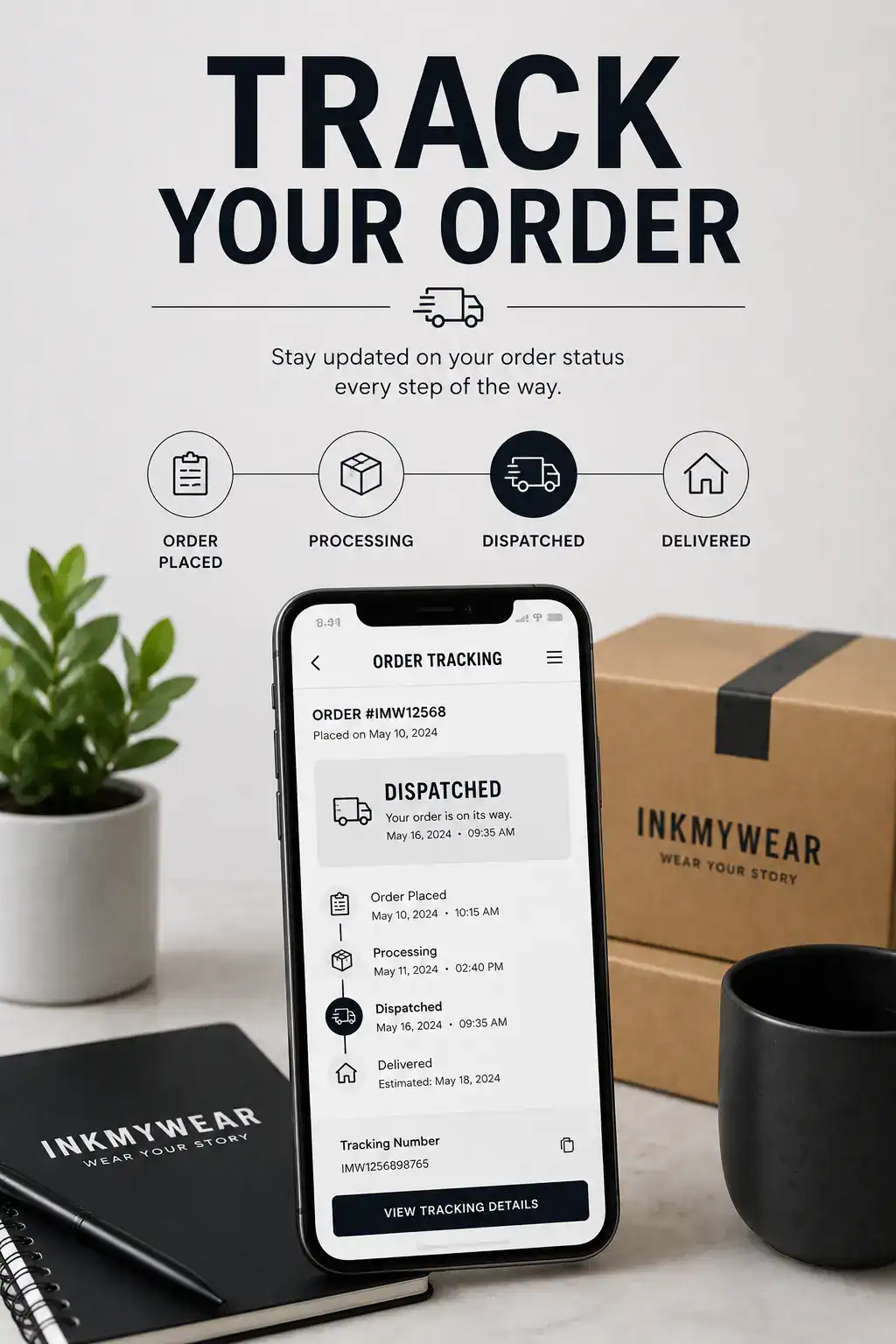
Order information and carrier tracking can become available at different stages of the production and delivery process.
Use the order number from your confirmation email and the billing email address entered when the purchase was placed.
Your order number is normally shown in the INKMYWEAR confirmation email. Enter the billing email address associated with the same purchase.
Personalised clothing may pass through several stages before carrier tracking becomes available.
Your purchase and submitted personalisation details have been received.
Your personalised item is moving through the applicable preparation stage.
The completed parcel has entered the applicable carrier or delivery network.
The parcel reaches the delivery address submitted with the order.
Status wording can vary according to the current processing stage. Carrier delivery information may be provided separately after dispatch.
The order has been received and is moving through the applicable preparation or fulfilment process.
The applicable order-processing stage is complete. Check separate dispatch or carrier information to confirm the delivery stage.
The order may require payment confirmation, additional information or another action before processing can continue.
A refund has been recorded against all or part of the applicable order or payment.
Personalised clothing is prepared before entering the delivery network. The total order journey can therefore include both production time and carrier delivery time.
Review the delivery page for general information about processing, dispatch and available delivery updates.
Delivery information →Find answers about order numbers, billing email addresses, processing stages, dispatch updates and carrier tracking.
Include your order number, billing email address and a clear explanation of the issue.